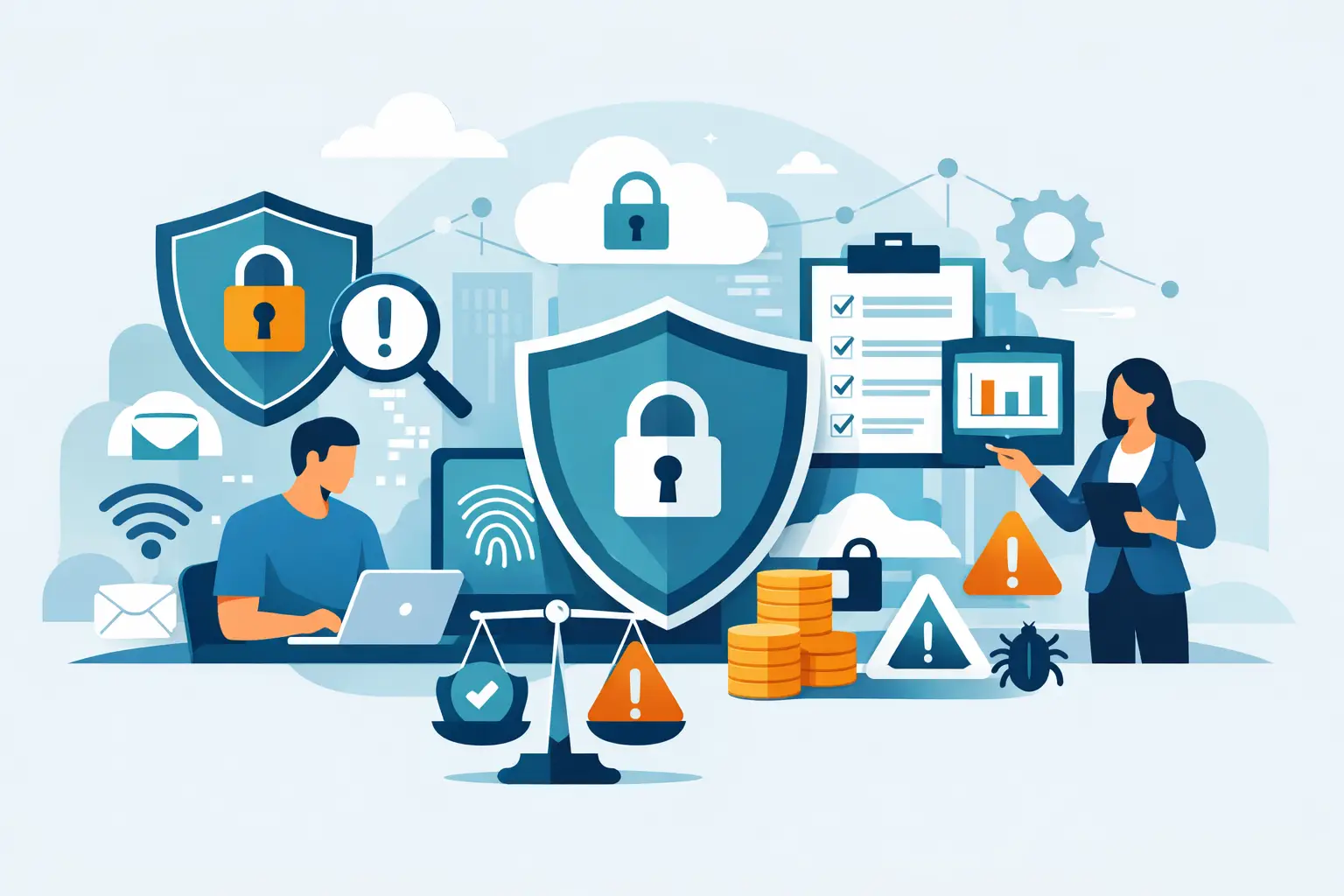
A payroll email that looks legitimate, a lost laptop, or an employee approving the wrong Microsoft 365 sign-in prompt can interrupt operations far faster than most business owners expect. Cyber security and risk management give small and midsize businesses a practical way to prevent those events, limit the damage when they occur, and keep serving customers without costly confusion.
For organizations in Bonita Springs, Naples, Fort Myers, and across Southwest Florida, the goal is not to purchase every security product available. It is to identify what could stop the business from operating, protect the systems and information that matter most, and have accountable support ready when a problem needs attention.
Cyber Security and Risk Management Start With Business Impact
Cybersecurity is often treated as a technical project. Risk management is broader: it asks what a disruption would cost the business and which safeguards are reasonable for that exposure.
A construction company may depend on access to bids, plans, accounting software, and mobile devices in the field. A medical or healthcare-adjacent office must protect sensitive records while keeping scheduling and communications available. A real estate firm needs secure email, document sharing, and dependable phone service when transactions are moving quickly. The technology differs, but the question is the same: what happens if this system, account, or data is unavailable or compromised?
This perspective helps leaders prioritize. A low-impact inconvenience may not require the same investment as a compromised bank account, a ransomware event, or the loss of email access for an entire office. The right level of protection depends on the data you hold, regulatory obligations, contractual requirements, your reliance on cloud services, and the financial impact of downtime.
Know What You Are Protecting
A useful risk program begins with a clear inventory. Many businesses know their major software platforms but have less visibility into older computers, shared credentials, former employee accounts, network equipment, personal devices, and third-party applications connected to email or cloud storage.
That lack of visibility creates avoidable gaps. A former employee's active account can become an entry point. An unsupported computer may no longer receive security updates. A vendor application with broad access to Microsoft 365 data can create risk long after the original project is complete.
Start by documenting the systems that keep daily work moving: computers, servers, wireless networks, phones, cloud applications, email accounts, shared files, backups, and critical vendors. Then identify the information within them, such as customer records, financial data, employee information, contracts, and intellectual property.
This does not need to become a complicated spreadsheet exercise managed by an executive. A managed IT partner can maintain the technical inventory and bring attention to the business decisions that require leadership input.
Reduce the Most Common Paths In
Most cyber incidents do not begin with a dramatic technical exploit. They begin with a stolen password, a deceptive email, an unpatched device, or access that was never removed. Addressing these common paths delivers meaningful risk reduction without creating unnecessary friction for staff.
A strong baseline typically includes the following controls:
- Multifactor authentication for email, cloud applications, remote access, and financial systems.
- Managed security updates for computers, servers, firewalls, and business applications.
- Security monitoring that can identify suspicious activity and escalate it quickly.
- Protected backups that are tested and kept separate from the systems they are designed to restore.
- Clear access rules so employees have the permissions they need, not unrestricted access by default.
- Ongoing security awareness training that prepares staff to recognize phishing, invoice fraud, and unusual requests.
Each control addresses a different weakness. Multifactor authentication helps when a password is stolen, but it does not replace backups. Backups help recover data, but they do not stop a fraudulent wire transfer. Employee training matters, but it is not a substitute for technical safeguards. Effective cyber security and risk management use layers because no single control can prevent every incident.
Treat Microsoft 365 as a Business System, Not Just Email
Microsoft 365 is often central to daily operations, which makes it a frequent target. Email accounts can be used to impersonate executives, intercept invoices, reset passwords for other systems, or access years of confidential files.
Proper administration includes more than creating user accounts. Businesses should review multifactor authentication, conditional access policies, external file-sharing settings, mailbox forwarding rules, administrator permissions, and the process for adding or removing users. These settings should match how the business works while limiting unnecessary exposure.
There are trade-offs. Highly restrictive sharing settings can frustrate teams that routinely work with clients, subcontractors, or outside advisors. Loose settings make collaboration simple but may expose sensitive documents. The answer is usually not to block all sharing. It is to establish approved sharing methods, monitor exceptions, and review access regularly.
Plan for Recovery Before You Need It
Prevention is essential, but business continuity depends on recovery. A cyber incident, internet outage, hardware failure, or weather-related interruption can all affect access to business systems. Your team should know who makes decisions, who contacts vendors, how employees communicate, and which services must be restored first.
An incident response plan does not have to be a thick binder that nobody opens. For a small or midsize business, it can be a clear, maintained set of instructions covering immediate contacts, device isolation, account lockouts, backup restoration, customer communication, and reporting requirements.
The plan should be tested in practical ways. Can your business restore a critical file? Can you recover a user's Microsoft 365 account? If the office internet connection fails, can staff still receive important calls or work securely from another location? Testing exposes assumptions before an actual emergency forces the issue.
Make Security Part of Everyday Operations
Risk changes as the business changes. A new office, a new cloud application, an acquisition, remote employees, or a new payment process can all introduce exposure. Security should be reviewed as part of normal operational planning, not only after something goes wrong.
For example, when hiring someone, their access should be planned before their first day. When someone leaves, access should be removed promptly across every relevant system. Before adopting a new software platform, determine what data it will hold, who can access it, and how the vendor protects that information. Before changing bank details for a vendor, require a verification process outside of email.
These habits are not burdensome when ownership is clear. They become difficult when security is divided among office staff, software vendors, and occasional outside support with no single party responsible for oversight.
Use Outside Support With Clear Accountability
Many local businesses do not need a full internal IT department. They do need consistent management of security tools, updates, backups, users, vendors, and response procedures. The value of managed IT services is not simply having someone to call after a computer fails. It is having routine work completed before small gaps become major business problems.
When evaluating a provider, ask how security alerts are handled, who reviews backup status, how quickly support responds, and whether the provider can coordinate across Microsoft 365, networks, cloud systems, and phones. Flat-rate pricing can also make cybersecurity and support costs more predictable, rather than turning every issue into an unexpected bill.
Prisca Nova supports Southwest Florida businesses with locally accountable managed IT and cybersecurity services, backed by a one-hour response commitment. That combination matters when an employee reports a suspicious email, a system stops working, or a business needs a clear answer rather than another vendor handoff.
Make the Next Decision Easier
The most useful security improvement is often the one that removes a known weak point this month: enabling multifactor authentication, closing unused accounts, confirming backups can be restored, or documenting how to respond to a suspected compromise. Choose one high-impact action, assign a responsible person, and set a date to verify it is complete. Consistent attention is what turns security from a source of uncertainty into a dependable part of business operations.